Network Report
os-netreport · Reports
Mails a readable summary of the network on a schedule, with what needs attention at the top.
In the menu
- With os-xgs-npu installed: XGS: Network Report
- Without os-xgs-npu: Reporting: Network Report
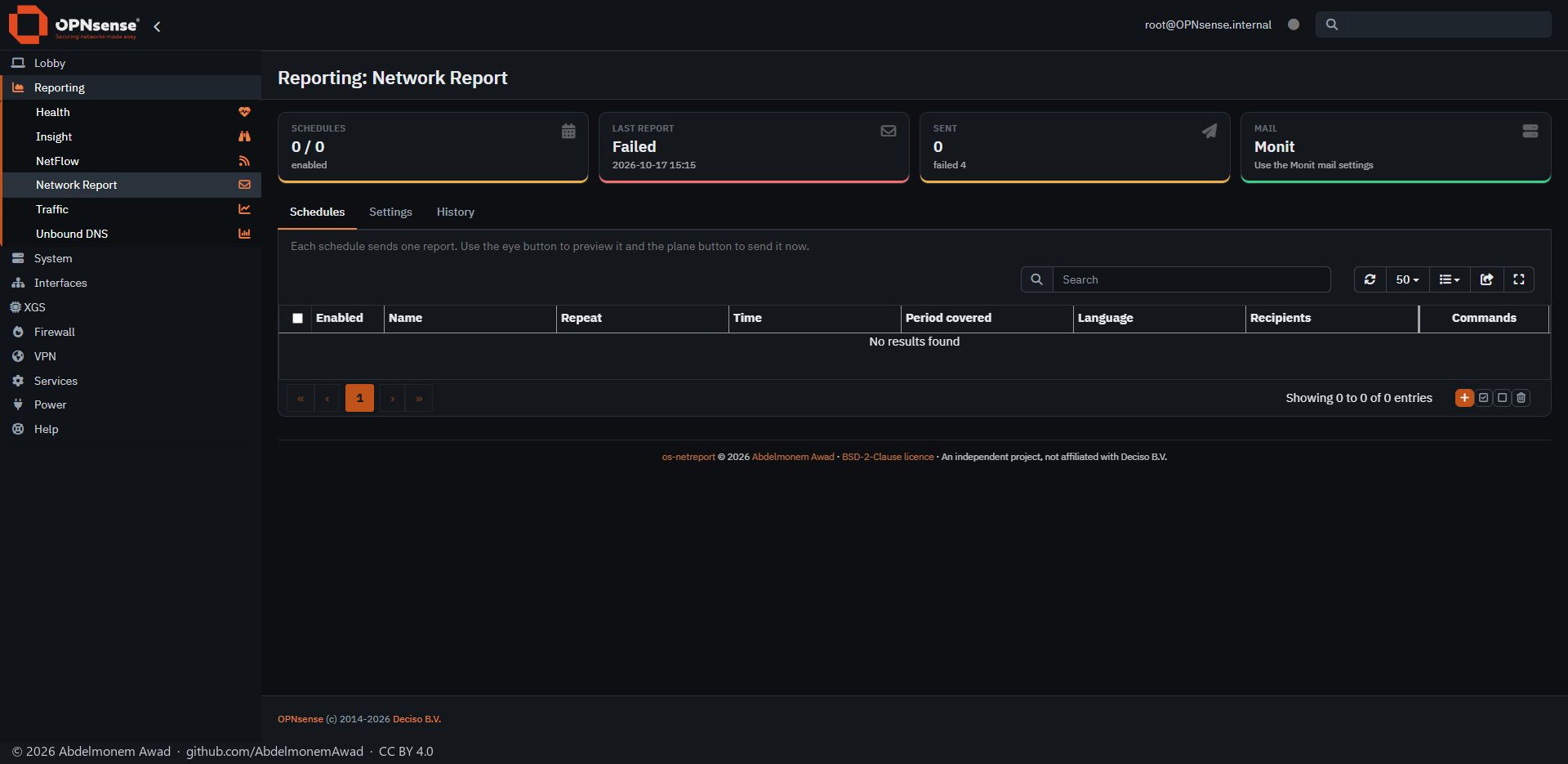
A report is one HTML mail: internet usage, connection quality, DNS filtering, security alerts, devices and the firewall's own health. Each schedule chooses which of these sections it includes.
The plugin collects nothing itself. It reads what OPNsense already records - vnstat, gateway monitoring, Unbound, Suricata, CrowdSec, the ARP table, NetFlow, SMART - and a section whose source is missing shows no data.
Mail goes through the SMTP server already set up for Monit, or a separate one.
Features
-
Schedules
Any number: daily, on chosen weekdays, or on a day of the month, including the last. Each has its own time, period, language, sections and recipients.
-
Needs attention
Gateway down or losing packets, outage alarms, new devices, high-severity IDS alerts, temperature or disk above a threshold, SMART problems, an old configuration backup and a monthly data cap getting close. An optional mode sends only when something needs attention.
-
Nothing counted twice
The period defaults to since the previous scheduled report; fixed periods such as 24 hours, 7 days or the previous calendar month are offered too.
-
21 languages
Every language of the OPNsense GUI, or whatever the GUI is set to. Arabic and Persian reports are laid out right to left.
-
New devices
A short alert within five minutes when a device joins the LAN for the first time.
-
Preview and Send now
Each schedule can be previewed or sent at once. Everything sent is in a history, with copies kept for a set number of days, and a report missed while the firewall was off goes out when it is back, up to 12 hours late.
Install and update
On a Sophos XGS appliance it comes with the image from xgs-image-builder and is on after the first boot. Its new releases are installed by hand from the Plugins tab of XGS: Updates; nothing is updated on its own. Anywhere else, install the package attached to a release, or one built on the firewall with tools/make-package.sh, with pkg add; install/install.sh does the same without a package. Then open Reporting: Network Report, or XGS: Network Report with os-xgs-npu installed, check the mail settings on the Settings tab and add a schedule.
Limits, and what is not tested yet
- Report languages other than English and Arabic are first versions, not yet reviewed by native speakers.
- Per-device usage covers only traffic that passes through the firewall.
- New devices are found from the ARP table, so a device that is only on IPv6 is not detected.
- In languages whose words change with the number, not every count is grammatically right.
Repository
First release: 2026-10-16
The discussion of this page is held in the project's GitHub Discussions. Showing it here loads giscus from giscus.app and GitHub, and writing in it needs a GitHub account - what that means.